

Experiment
H19
PELTON TURBINE
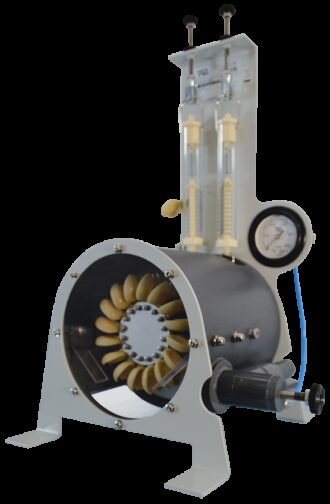
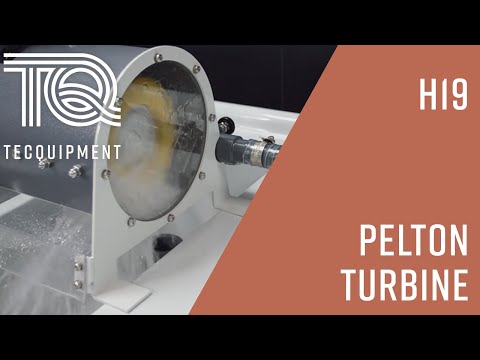
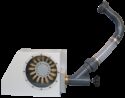
A compact experiment for use with the Hydraulic Bench to demonstrate how a Pelton turbine works and to test its performance.







If you have any questions or you'd like to discuss a product, please call us.
+44 1159 722 611PELTON TURBINE
Shows students how an impulse (Pelton) turbine works and tests its performance. The Pelton wheel is an important and efficient fluid power machine, used in many applications.
The unit consists of a Pelton wheel mounted in a corrosion-resistant enclosure. A transparent front panel allows students to see the turbine working. An optional Stroboscope (ST1, available separately) can ‘freeze’ the image of the turbine to help students better understand how it works.
An adjustable spear valve directs a jet of water through a nozzle to the buckets of the Pelton wheel to make it turn. Manual adjustment of the spear valve controls the water jet from the nozzle.
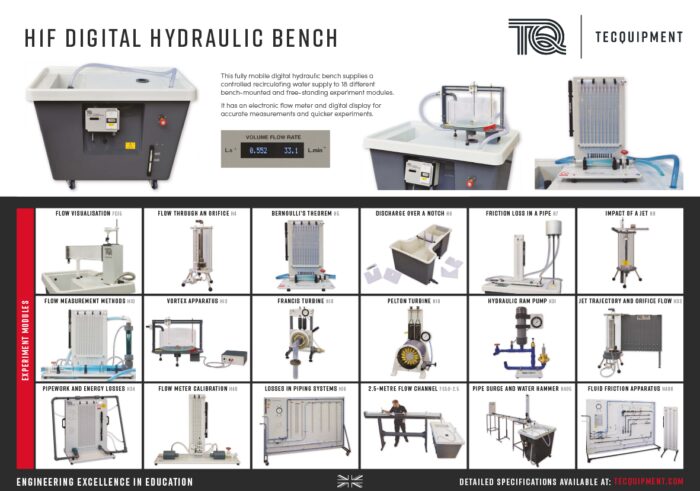
The turbine includes all pipes and fittings to connect it to TecQuipment’s Digital Hydraulic Bench (H1F, available separately). The hydraulic bench also measures flow rate.
The Optical Tachometer (OT1, available separately) can measure the speed of rotation of the turbine.
A simple mechanical brake and spring balance assembly attached to the shaft of the Pelton wheel applies a variable mechanical load (torque). Students use this with the speed (from the optional tachometer) to find power absorbed by the turbine. A gauge measures inlet pressure.
Students adjust the spear valve and measure inlet pressure, flow rate and torque (and speed with the optional tachometer). They plot these values to find the turbine performance.
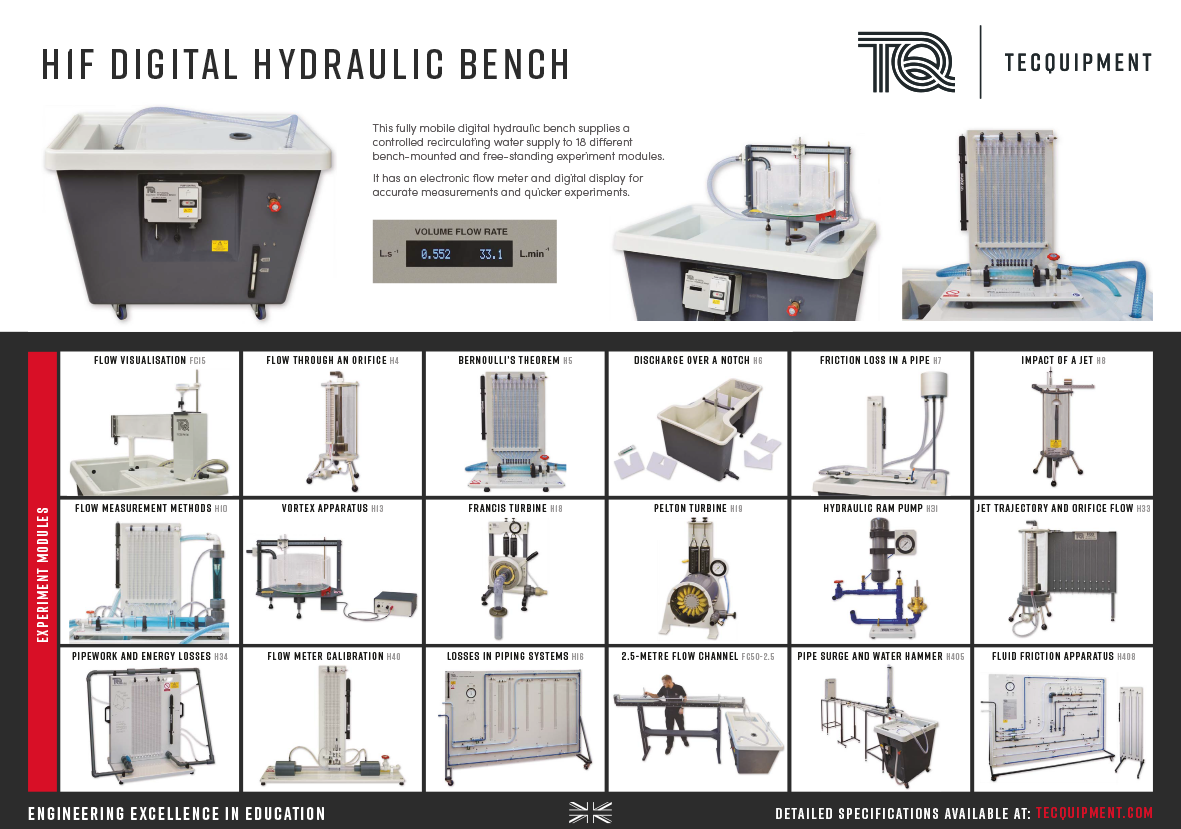
View the Digital Hydraulic Bench flyer here.
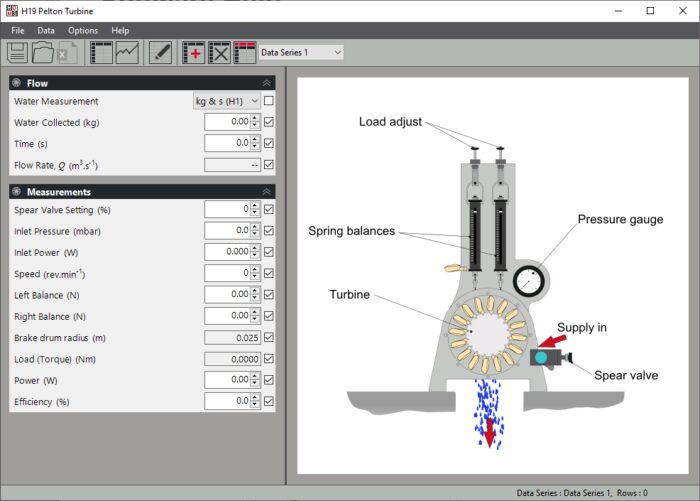
If required students can download TecQuipment’s Hydraulics Data Management System (HDMS) software onto a suitable computer (not supplied) to aid with entering, evaluating and presenting their data. The HDMS is a complementary software tool designed to help students accurately record data from experiments associated with this apparatus. The software is intuitive and easy to use, with clear and convenient data display options, enabling students to run automatic calculations and export charts and results for further investigation.
Key Features:
- Works with TecQuipment’s Digital Hydraulic Bench (H1F) for easy installation
- Includes dynamometer to load the turbine and help find the power absorbed (needs an optional tachometer to find speed)
- Transparent window so students can see the Pelton wheel working
- Includes band brake to measure turbine torque
- Includes pressure gauge to measure inlet pressure
- Screw-controlled spear valve for precise inlet flow control
- Works with TecQuipment’s optional, free Hydraulics Data Management System Software (HDMS)
Essential Base Unit:
- Digital Hydraulic Bench (H1F) *This product will also work with an existing TecQuipment Volumetric Hydraulic Bench (H1D)
Essential Ancillary:
Recommended Ancillary:
Learning outcomes
- Performance charts of power, speed, torque and efficiency
- The effect of spear valve position
-
 PELTON TURBINE
Pelton Turbine - TecQuipment
-
 PELTON TURBINE
A quick guide to installing TecQuipment's Hydraulics Data Management System (HDMS)
Ancillary
ST1
STROBOSCOPE
Experiment
H8
IMPACT OF A JET
Experiment
MFP101B